How to convert HEIC to JPG – guide for Windows, Mac and online
Apple has saved photos as HEIC by default since iOS 11 — about half the size of JPG, but not supported everywhere. Anyone sharing iPhone pictures with Windows users or uploading them to the web runs into compatibility walls. The good news: converting HEIC to JPG takes seconds.
Why HEIC keeps causing trouble
HEIC (High Efficiency Image Container) stores photos at roughly half the size of JPG with the same visual quality. The catch: Windows 10 only opens HEIC with a paid plugin, and many CMS platforms, print shops and office tools refuse the format altogether.
If you publish images on the web, JPG, WebP or AVIF are unavoidable. JPG remains the safe choice: every browser, every editor and every printer has supported it for over 30 years.
Convert HEIC to JPG online
The fastest route is an online converter. Drag your HEIC file into the browser, pick JPG as target and download the result a few seconds later. No installation needed, and you can batch-convert multiple images at once.
Important: pick a tool that processes files locally or at least deletes them quickly afterwards. Pixshift handles HEIC right in your browser so your photos never leave the device.
Make the iPhone shoot JPG directly
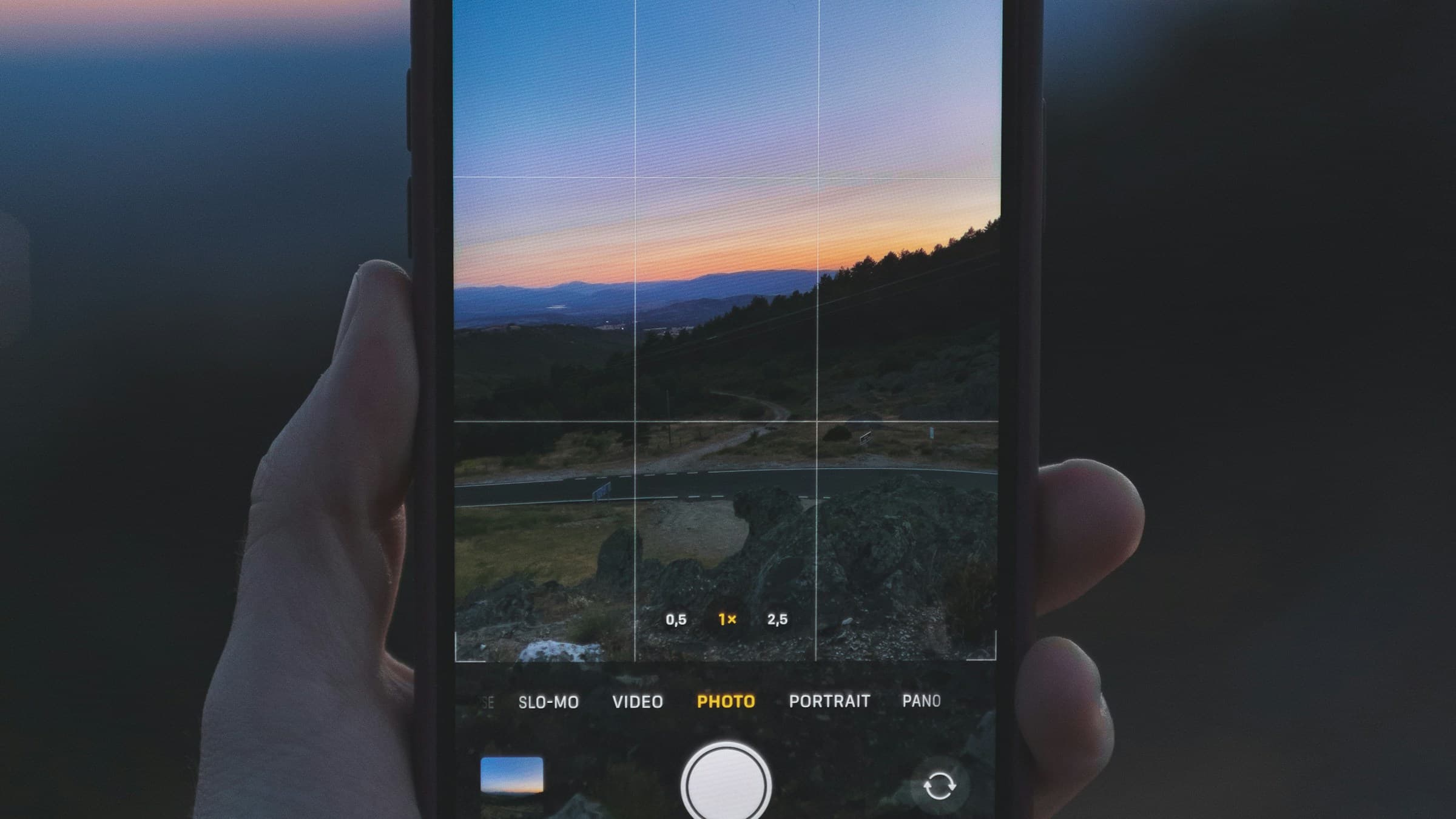
If you want to avoid HEIC altogether, switch your iPhone: Settings → Camera → Formats → 'Most Compatible'. From now on the camera saves new pictures as JPG. Older HEIC shots remain and still need converting.
Tip: AirDrop to a Mac keeps the HEIC format, while sharing via email or messenger usually triggers automatic conversion to JPG. So casual sharers often don't need a converter at all.
What happens to image quality?
JPG is lossy, HEIC is too — converting from HEIC to JPG re-encodes once more. At quality 90+, the difference is negligible. If you'll zoom, print or crop later, bump it to 95 for safety.
Always keep the original twice: the HEIC for archiving, the JPG for sharing. That way, the full sensor detail is still there in five years.
Related articles
 Conversion
How to convert JPG to WebP – faster loads, less bandwidth
WebP saves up to 35% over JPG at comparable quality. Here's how to convert images quickly and without quality loss into the modern format.
 Conversion
How to convert PSD to PNG – no Photoshop, right in the browser
Turn Photoshop PSD files into PNG without installed software. Here's how to access your layout without an Adobe subscription.
 Conversion
How to convert RAW to JPG – exporting camera files the right way
Turn RAW files into high-quality JPGs — with tips on exposure, white balance and sharpening. Get your photo session shareable.