How to convert BMP to JPG – modernise legacy image files
BMPs date back to the 1980s and store pixels with no compression at all — a 4000×3000 photo can hit 36 MB. Way too big for modern workflows. JPG shrinks the file 20× or more without visible quality loss.
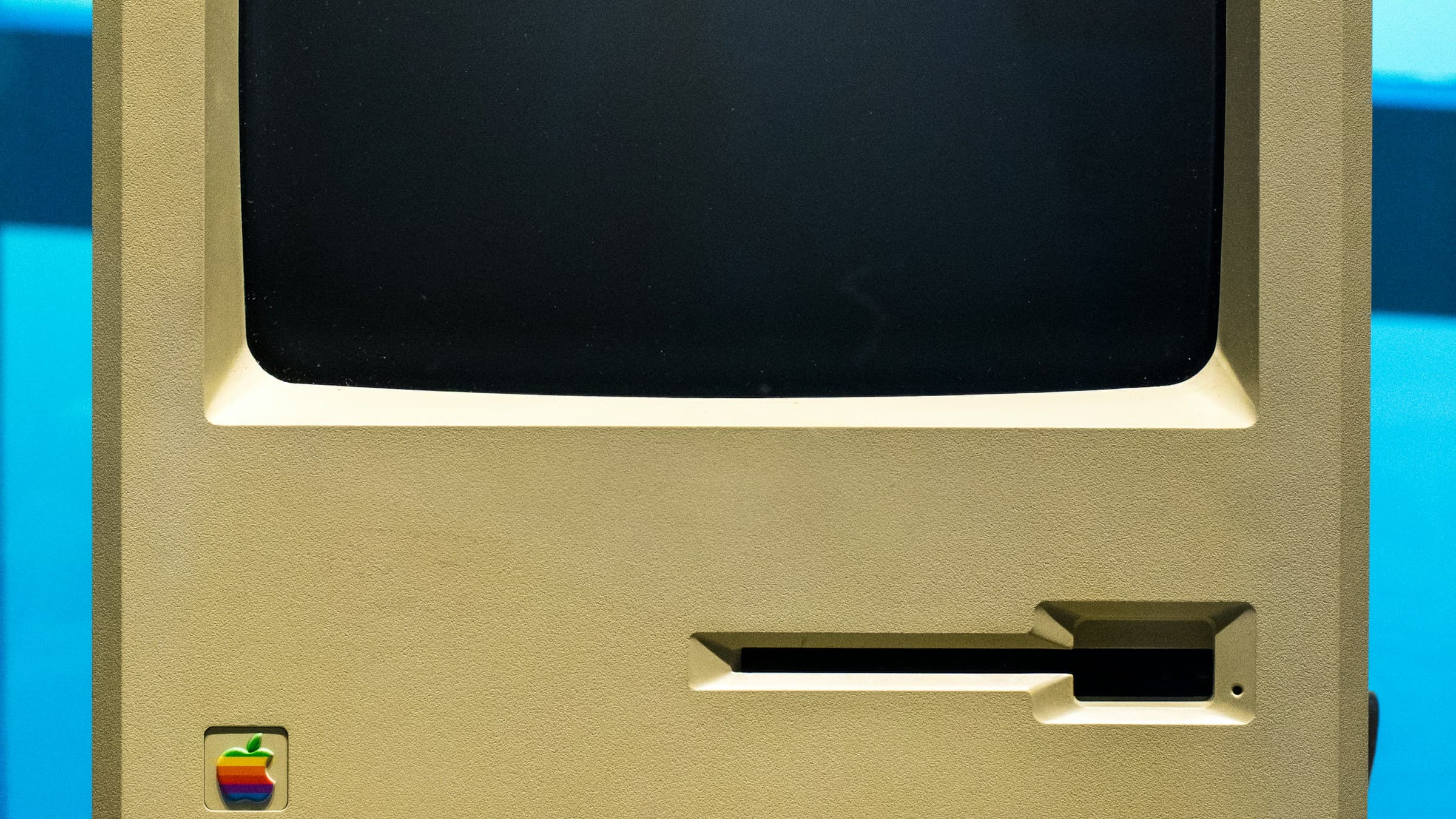
Why BMP is rarely used anymore
BMP shipped in 1986 with Windows and stores pixels uncompressed. Pro: simple and lossless. Con: enormous files, no browser support, poor fit for the web and cloud storage.
Today BMP shows up mainly in legacy apps, old document scans and some printer drivers. The moment you want to share or publish, you'll switch to JPG, PNG or WebP.
Convert BMP to JPG online
Online converters like Pixshift detect BMP automatically and offer JPG, PNG and other formats as targets. Drop the file into the browser, pick JPG, optionally adjust quality, and download the result.
For lossy formats like JPG you can usually go down to 80–90% quality — which shrinks the file further without being noticeable at normal viewing distances.
When PNG or WebP is the better fit
For screenshots, diagrams and pixel art, PNG wins: lossless and crisp at the edges. If you're targeting modern browsers, WebP goes a step further and produces the smallest file.
JPG remains the sweet spot for photos — maximum compatibility plus solid compression in a single format.
Where do you still encounter BMP today?
These days BMP shows up mostly in industrial software, medical devices and legacy fax tooling. Even Windows has saved screenshots as PNG for years. If a BMP still crosses your desk, it's usually a file someone created a decade ago.
Before converting, ask yourself: do you need transparency or sharp edges (logo, screenshot)? Then pick PNG instead of JPG. For photos, JPG is always the right choice.
Related articles
 Conversion
How to convert HEIC to JPG – guide for Windows, Mac and online
iPhone photos in HEIC format can be turned into JPG in just a few clicks. We show the fastest ways on Windows, Mac and in the browser.
 Conversion
How to convert JPG to WebP – faster loads, less bandwidth
WebP saves up to 35% over JPG at comparable quality. Here's how to convert images quickly and without quality loss into the modern format.
 Conversion
How to convert PSD to PNG – no Photoshop, right in the browser
Turn Photoshop PSD files into PNG without installed software. Here's how to access your layout without an Adobe subscription.