Image sizes for social media in 2026 – Instagram, Facebook, LinkedIn & co.
Upload an image at the wrong size and platforms will auto-crop it — usually in the worst possible spots. This guide lists the optimal 2026 dimensions for the major networks.
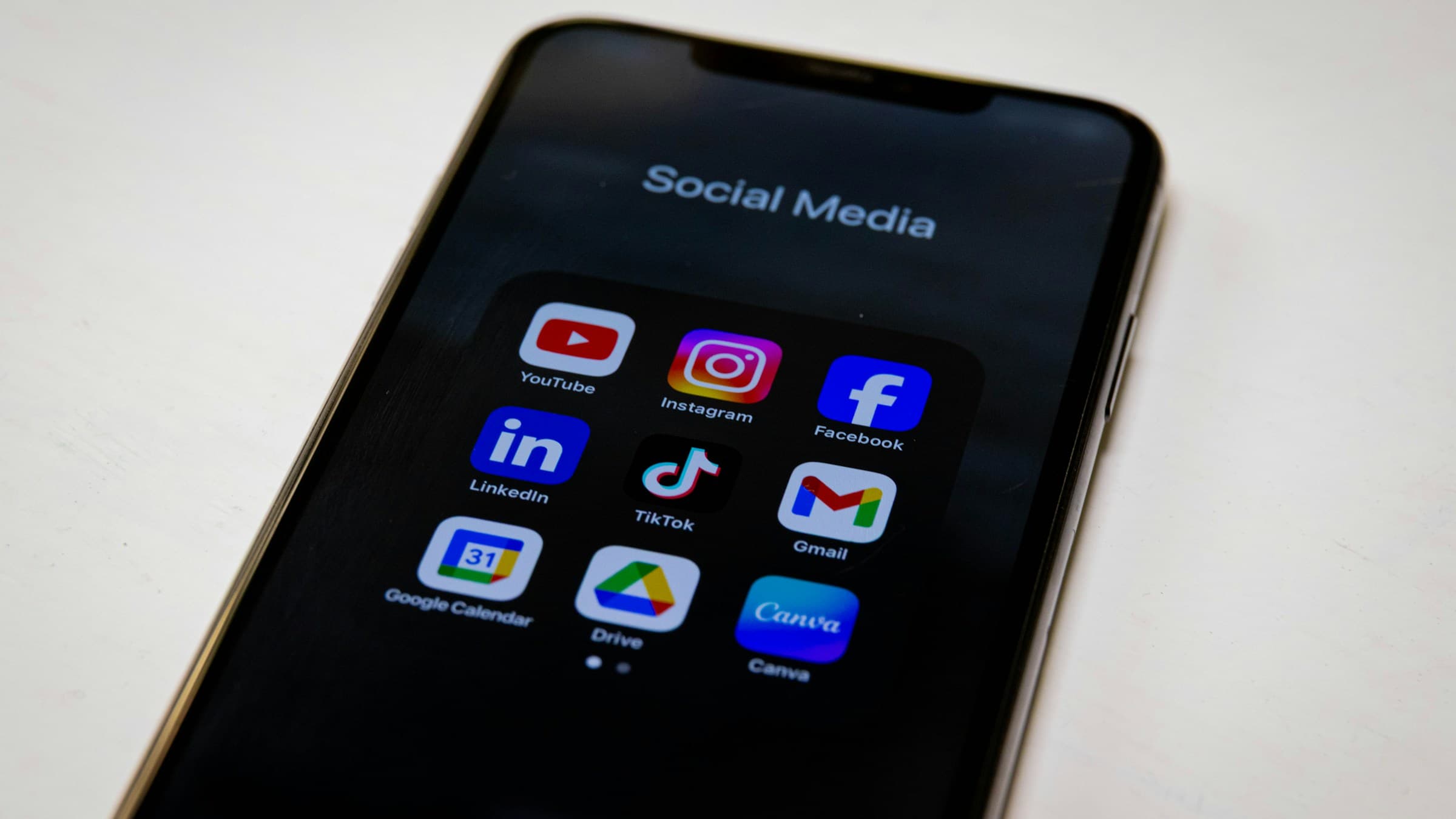
Square feed post: 1080×1080 px. Portrait (4:5): 1080×1350 px — takes the most screen real estate, hence best reach. Landscape (1.91:1): 1080×566 px — looks narrower in the feed.
Story and Reels: 1080×1920 px (9:16). Profile picture: 320×320 px. Comment avatars and hashtag previews are derived automatically — always keep masters at full resolution.
Facebook and LinkedIn
Facebook profile picture: 320×320 px. Cover photo: 1200×630 px. Shared post images: 1200×630 px for landscape — same ratio as Open Graph, very convenient.
LinkedIn profile picture: 400×400 px. Banner: 1584×396 px. Posts with image: 1200×627 px is ideal — LinkedIn favours this aspect ratio in the feed. Company logo: 300×300 px (minimum).
X (Twitter), TikTok, YouTube
X: profile 400×400 px, header 1500×500 px, tweet image square or 16:9 (1200×675 px). TikTok cover: 1080×1920 px (9:16) — desktop uploads pull the preview frame from the video.
YouTube thumbnail: 1280×720 px — minimum width 640 px. Channel banner: 2560×1440 px (with a 'safe area' for mobile). Videos themselves are 16:9 at 1080p or 4K — fit any in-video stills to the same ratio.
Mobile first — the underrated reality
More than 80% of social-media views happen on phones. What looks crisp on desktop gets squeezed onto a 6.1-inch display — and platform algorithms quietly favour mobile-first posts.
Practical test: upload, then view your image in the platform's preview mode on your own phone (story and feed). Text under 14 px disappears, thin lines get swallowed by the auto-compression. Go thicker, higher-contrast, simpler.
Resize images without quality loss
Scale to your target size with professional algorithms.
Open ResizerRelated articles
 Guide
GuideHow to compress images without losing quality – practical guide
Cut image file sizes by up to 80% without anyone noticing. Tips on quality levels, formats and the most common mistakes.
 Guide
GuideOptimal aspect ratios for cropping – the practical guide
1:1, 4:3, 16:9 or 9:16? A clear overview of which aspect ratio fits which purpose — including print measurements.
 Guide
GuideHow to scale images without going mushy – best practices
Upscaling fuzzes images, downscaling can lose detail. Here's how to scale cleanly — with the right algorithms and workflow.