TIFF vs PNG – which format for print and archiving?
TIFF and PNG are both lossless, both support transparency — yet they serve different worlds. TIFF is the standard in pro print, PNG the universal web and office format. What are the real differences?
Where TIFF shines
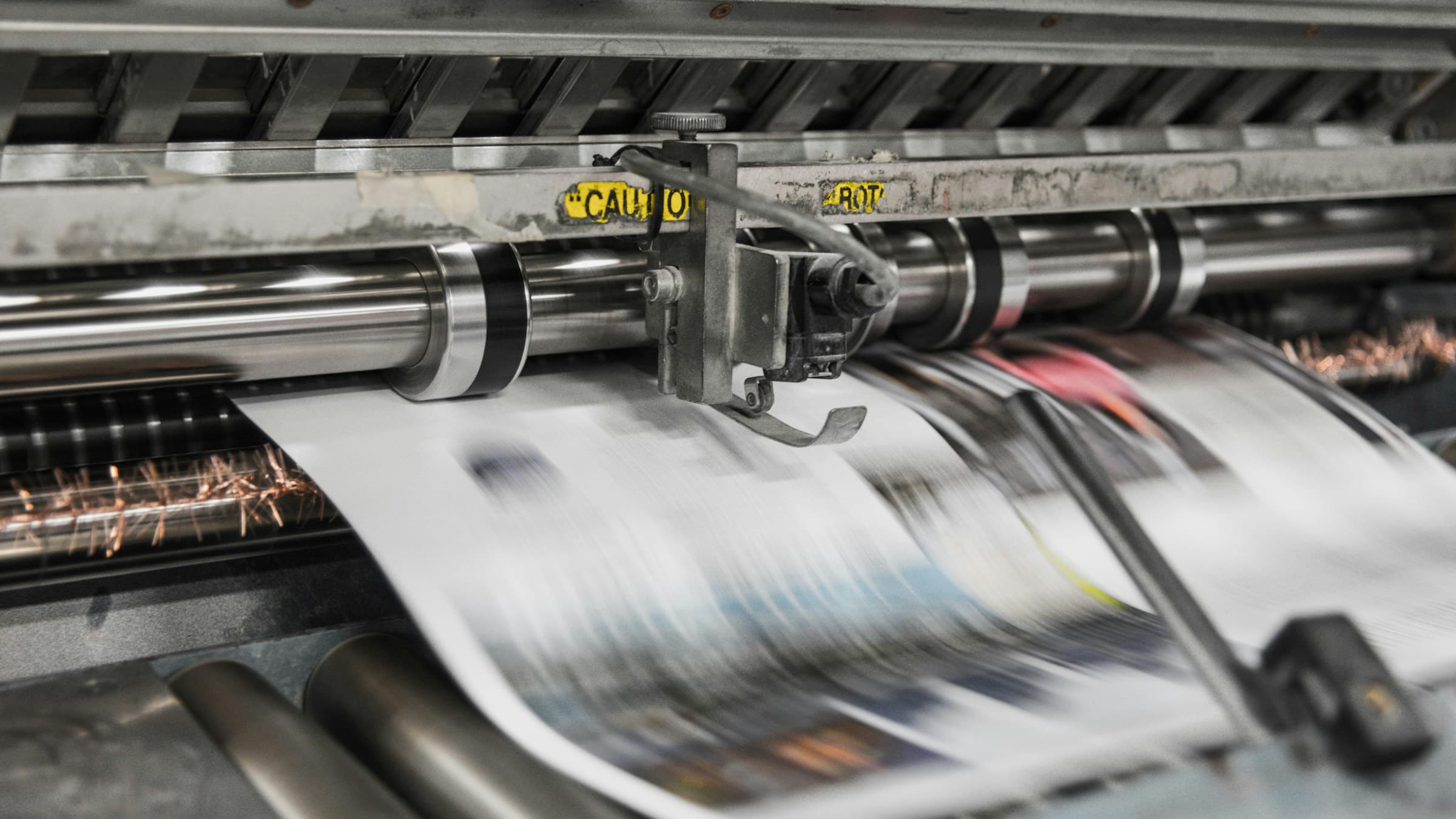
TIFF (Tagged Image File Format) was created in 1986 for scanners and professional image processing. It supports the CMYK colour space (mandatory for print), 16 bits per channel, alpha channels, multiple layers and rich metadata.
In prepress, TIFF is the standard: print shops accept it without question, Photoshop and InDesign read it natively, and you can save it uncompressed or with lossless LZW compression.
Why PNG can't quite reach there
PNG only supports RGB (no CMYK), commonly tops out at 8 bits per channel, has no layers and just one alpha channel. Plenty for the web, not enough for prepress. It also lacks well-supported pro metadata like embedded ICC profiles (technically possible, rarely seen).
Upside: PNG opens everywhere, displays in browsers, and files are typically much smaller than equivalent TIFFs. For web workflows PNG wins by a mile.
Practical recommendation
Print, photo archiving, pro retouching → TIFF (or PSD). Web, office, presentations → PNG. Many photo pros archive originals as TIFF with embedded ICC profile and export PNG/JPG/WebP for web use.
Tip: TIFF can balloon to 100 MB per image when stored uncompressed. Enable LZW compression — it's lossless and typically shrinks files by 30–40%.
When the print shop says TIFF with profile
Pros don't just ask for TIFF — they ask for TIFF with an embedded ICC profile (FOGRA39 for coated, FOGRA52 for newsprint, ISOcoated_v2 internationally). Without a profile the press has to guess at colour — not what you want for a 1000-copy magazine run.
Pixshift embeds the profile on TIFF export. In Lightroom or Photoshop: tick 'embed ICC profile' explicitly in the export dialog. Rule of thumb: when in doubt, sRGB for web, FOGRA39 for print Europe, ISOcoated_v2 internationally.
Related articles
 Comparison
WebP vs AVIF – which modern image format is better?
AVIF compresses even tighter than WebP but isn't supported everywhere. We compare size, quality, browser support and performance.
 Comparison
PNG vs JPG – when do you use which format?
PNG is lossless and supports transparency; JPG compresses photos to a fraction of the size. When each format makes sense — with clear examples.
 Comparison
SVG vs PNG – when vector, when raster?
SVG scales without quality loss, PNG is universal. When each format makes sense — practical tips for logos, icons and illustrations.